
Upgrading to version 14.5.1 - Java agents...
Java compiler levels...
Edit: A new fix is coming!
So you have finally jumped on to the major step from Domino version 12.0.2 (and before) to version 14.x. I have - and for good reasons - waited until version 14.5.1. The reason is that I have a couple of large XPages applications that use a lot of Java - and other people have reported various issues on version 14.0 (and fixpacks) and 14.5
So I will share some of my learnings from this exercise. The first one is going to be about Java agents.
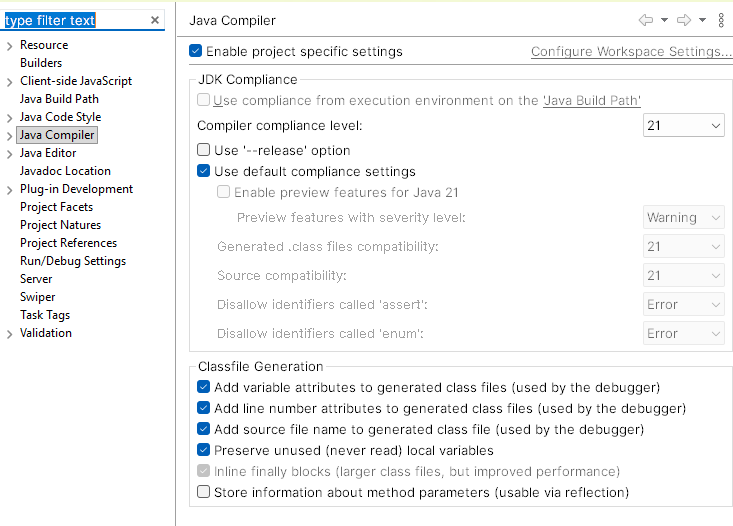
First, some of the things I have done until I dived into getting the Java agents right. I started by setting the "Compiler compliance level" to 21 as Notes and Domino 14.5.x supports the newest LTS (long term supported) version. You do that in the Designer preferences - or as I also did in the project properties as I am not the only developer on this project. In my case I have the same settings in Domino Designer:
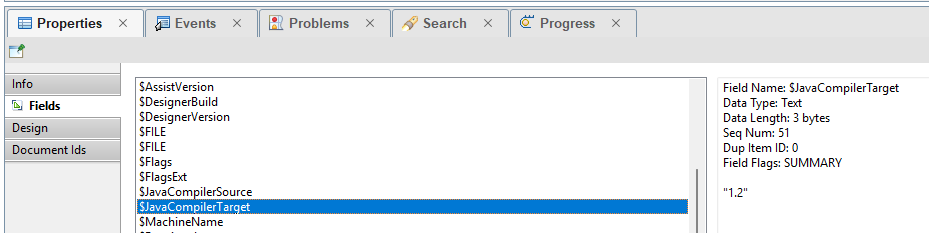
Then we have a look at our agents. In my case the agents were not new - and created before we had forced the Java compiler level to 1.8. So being "standard" you will find that it is built for Java 1.2 (!!!!!). You can see this if you select the agent in Domino Designer and then look at the "Fields" in the Properties pane:
First I tried to go into the agent, make a change, and then save it... Well, it didn't update the compiler target.
So I started out by searching online (and found e.g. this helpful article by Patrick Kwintensson. This problem is pretty close to the one that I experienced. So I opened the Java agent and then opened one of the class files inside it.
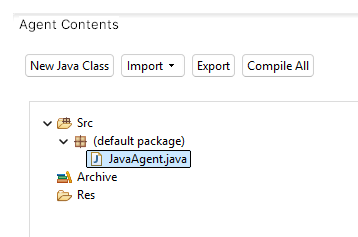
Then I selected Project / Properties and found the Java Compiler section
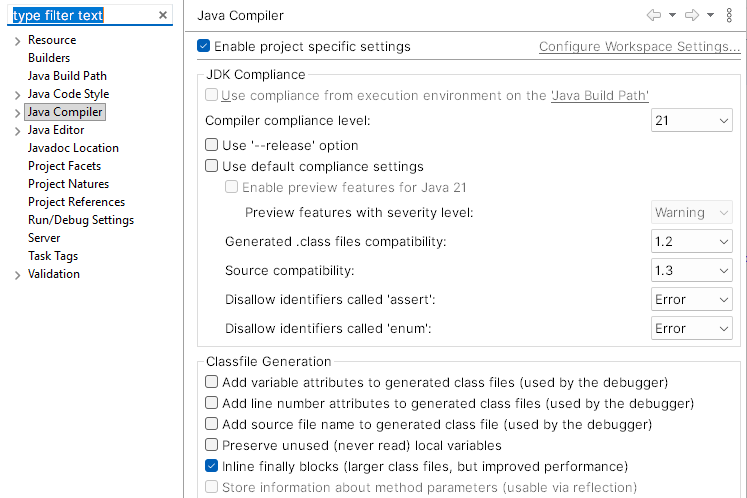
... and we clearly see that this agent has not adopted the new settings... Actually, we have to be sure what we are doing here as changing this setting will limit where the code will run. If we set it to Java 21 then it will only run on Notes/Domino 14.5.x or later. But in my case that is exactly what I want! So I ticked "Use default compliance settings" -> Java 21, clicked [Apply and Close] and accepted the change. And then I thought all was good. But, it turns out that it did not change the "$JavaCompilerTarget" field...
I tried a bunch of things, none of them working, until I thought I would try to change it to 1.8 which was the level a new Java agent was set to. So changed that, made a small change to force a re-compilation, and then I got this message:
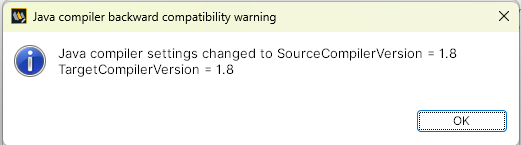
That looked more promising! Press Ok and check the "$JavaCompilerTarget" field. It was now set to 1.8!!
So now go back into the project properties when having opened one of the classes of the agent. Now you can change it to "use the default compliance settings". When you save it will build again and on saving the entire agent it now warns you about the change again:
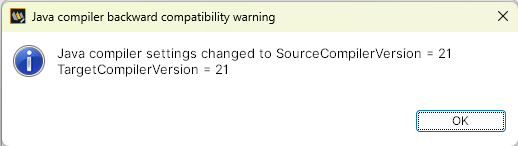
And now the $JavaCompilerTarget" field shows: 21
Not very intuitive, I admit.
Blog